Install the App
SmartSubmit is a web app — there's no app store download. It runs in your browser and can be saved to your home screen for instant access. It auto-updates, so you're always on the latest version.
iPhone / iPad
Open Safari and go to webapp.medbill.com.au. Tap the Share button (square with arrow), then tap "Add to Home Screen". Name it and tap Add.
Android
Open Chrome and go to webapp.medbill.com.au. Tap the three-dot menu, then tap "Add to Home Screen" or "Install App".
Desktop
Go to webapp.medbill.com.au in Chrome. Click the install icon in the address bar, or simply bookmark the page for quick access.
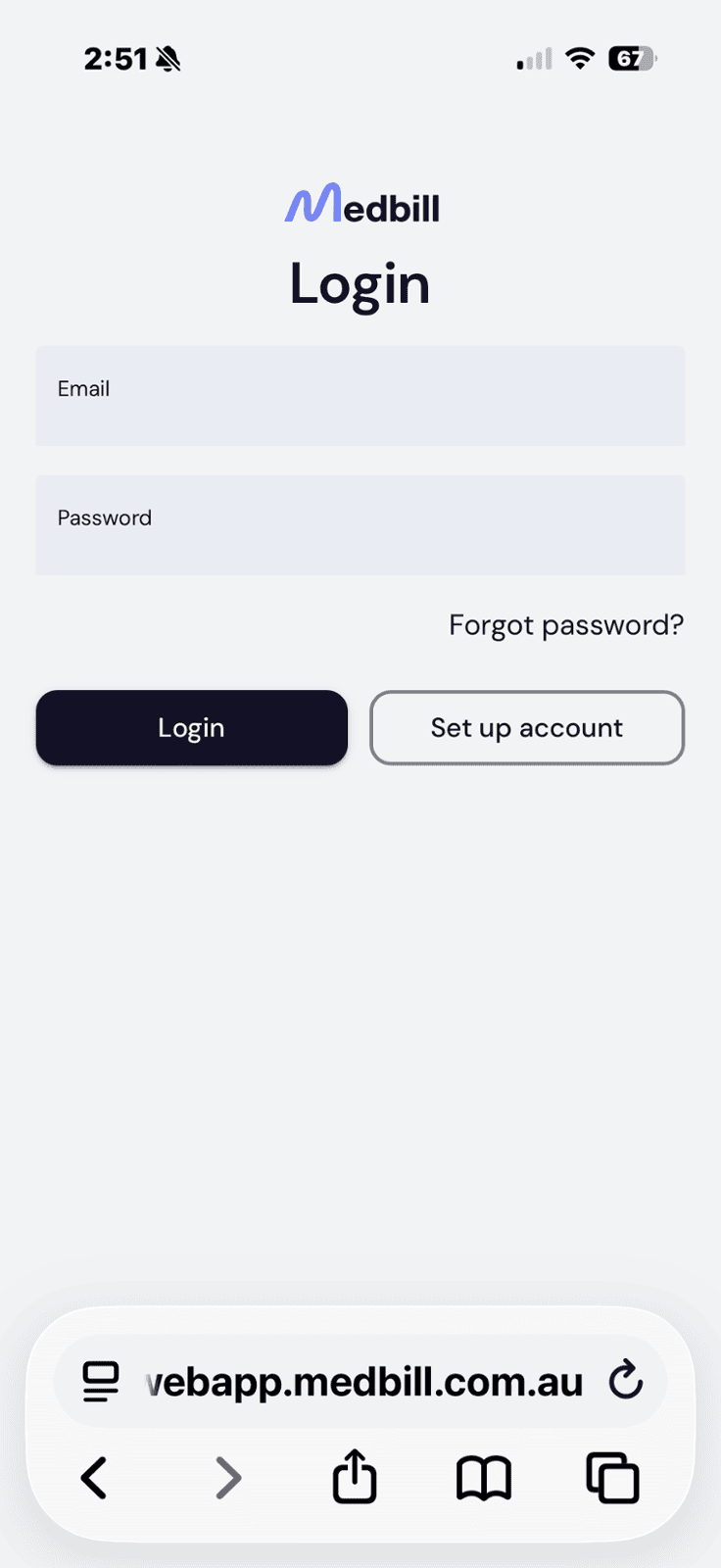
iPhone / iPad — open in Safari & Tap Share
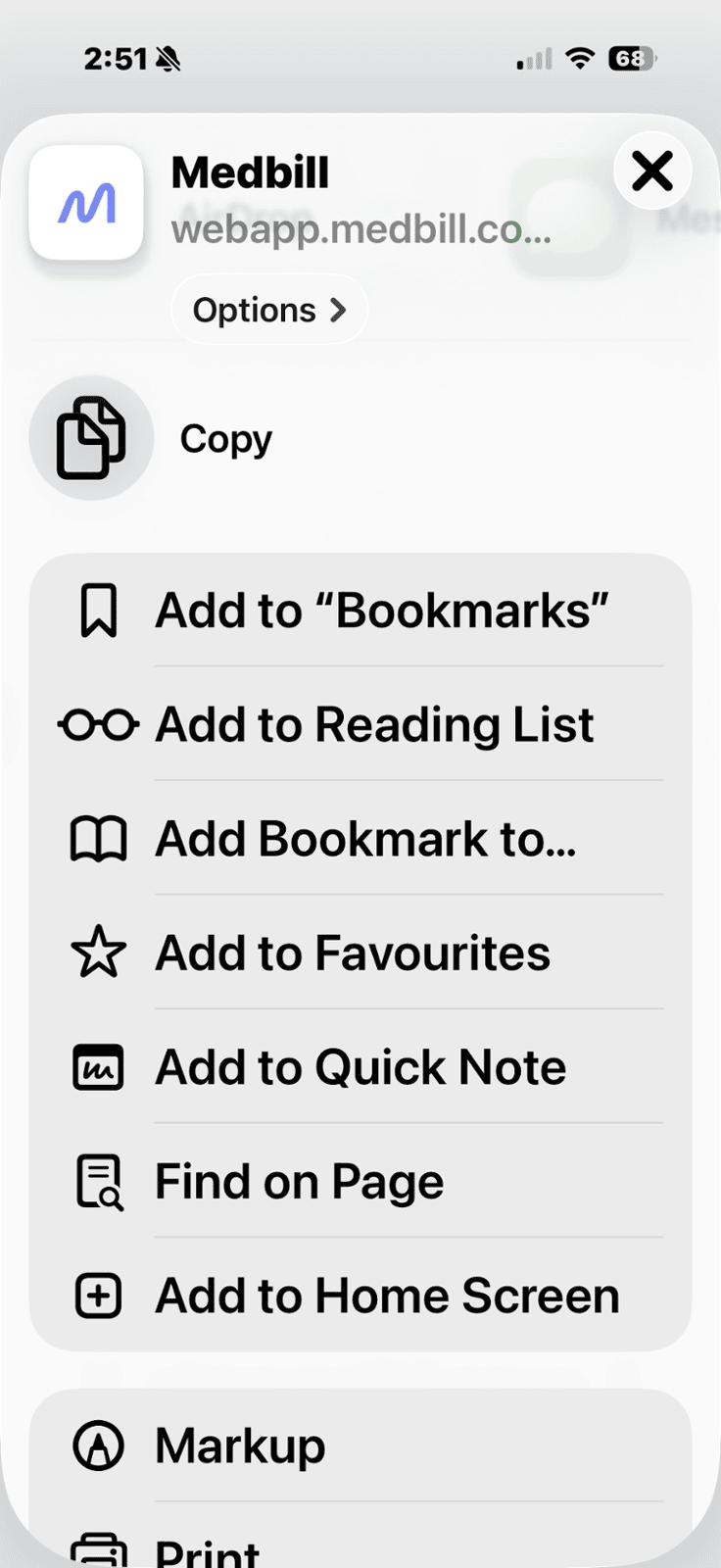
Then Add to Home Screen
Android — tap the ⋮ menu, then Install App / Add to Home Screen
On iPhone you must use Safari — the "Add to Home Screen" option isn't available in Chrome or other browsers on iOS.
See the full App Registration guide for step-by-step setup.