

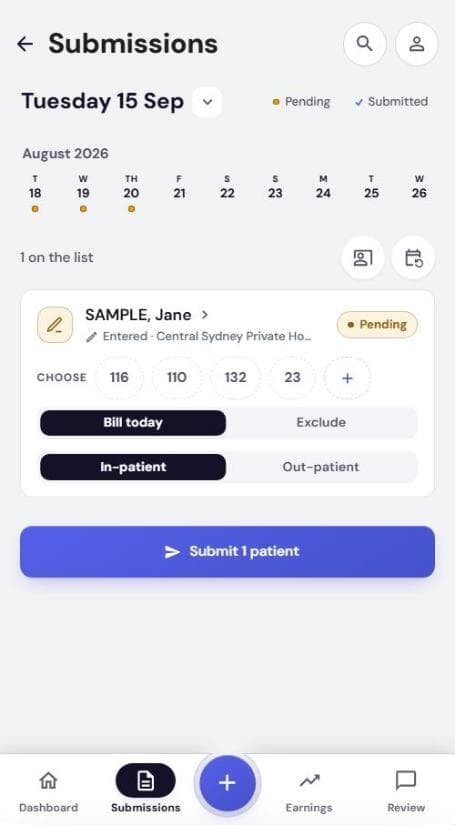
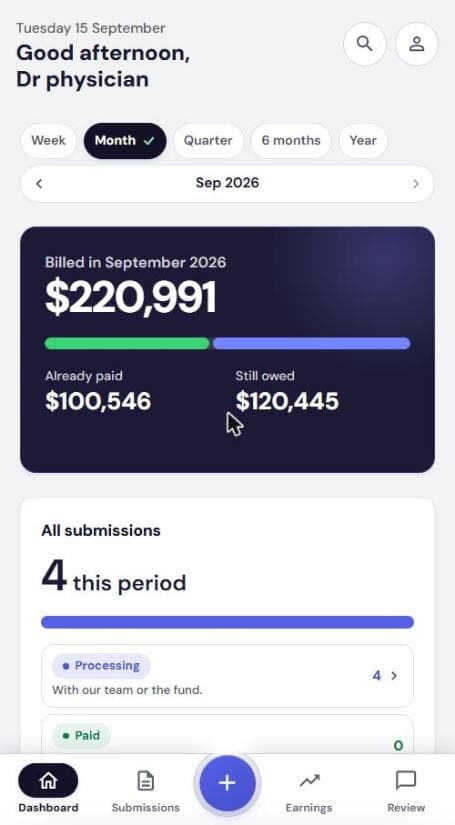
The daily loop
1Tap +
2Photograph the sticker
3Tap item numbers
4Submit the day
5Watch it get paid
Get set up
Add billing
3Add patientsSticker, type, or copy a day.
4Upload billing sheetsPhotos, scans, PDFs. We enter them.
5APhysician billingItem numbers, referral, submit the day.
5BAnaesthetist billingInitiation, times, modifiers, gap.
5B-1Anaesthetist: No gapStep by step, every screen.
5B-2Anaesthetist: Known gapGap amount, who invoices.
5CSurgeon & assistant billingProcedure items, role, primary surgeon.
After you submit
Quick answers