4
Bulk Submissions of Billing Sheets
Already have a billing sheet ready to go? Skip entering patients one by one — upload the whole sheet as a file straight from your Dashboard.
1
Tap the Upload icon
On your Dashboard, tap the black upload icon in the bottom right corner.
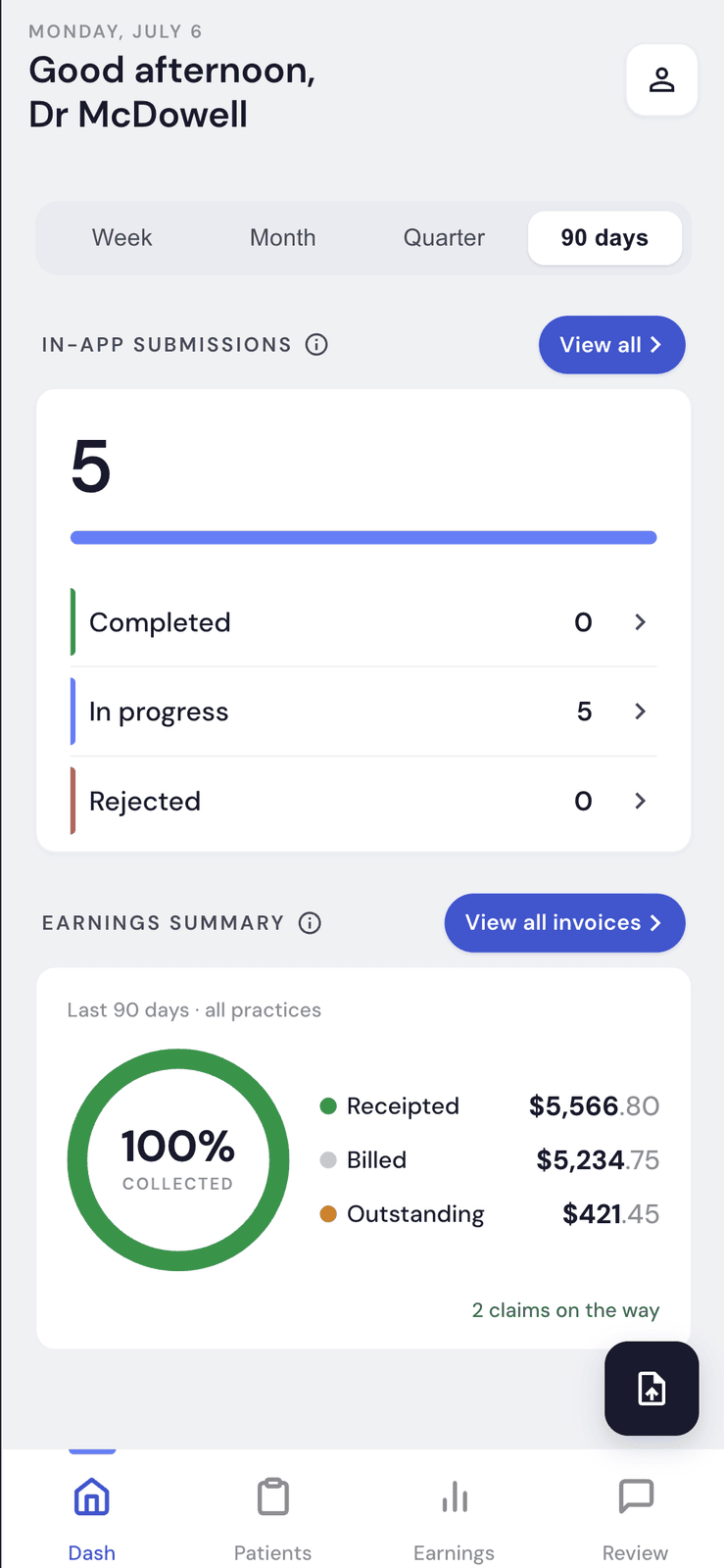
Upload File Icon button
2
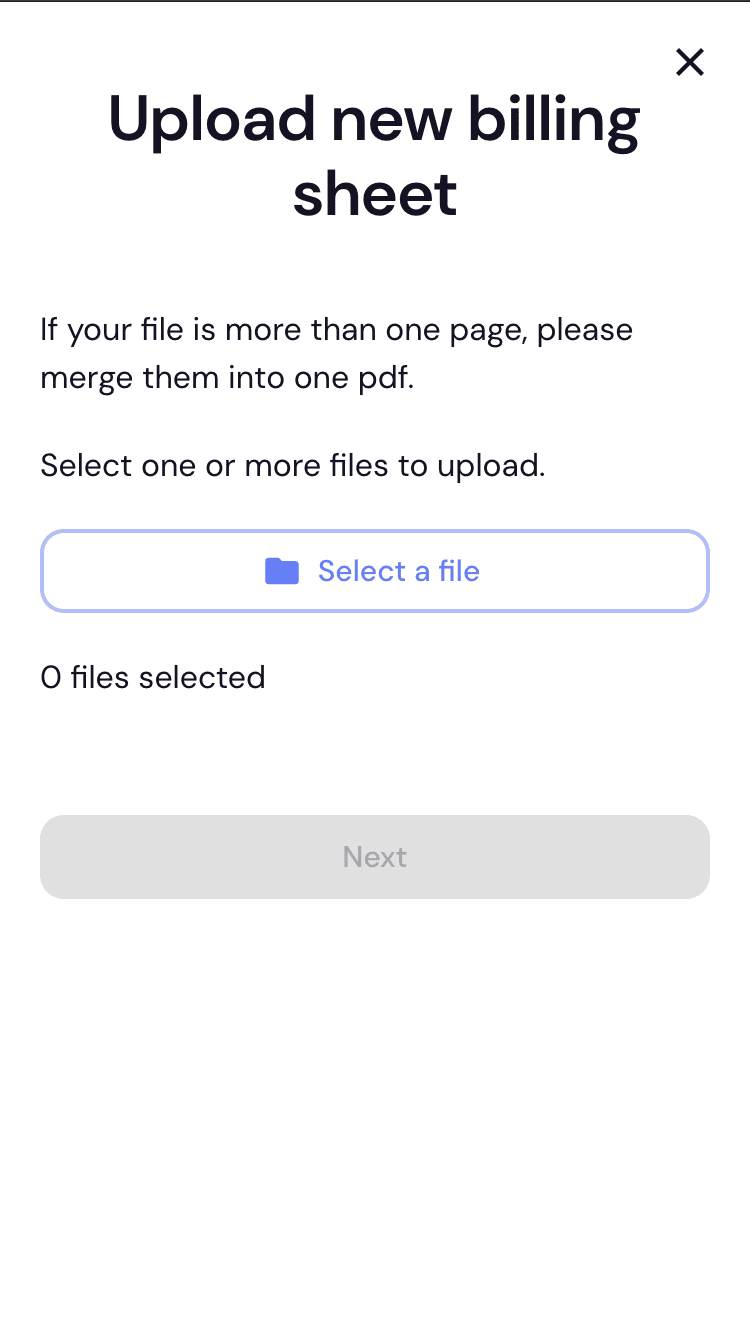
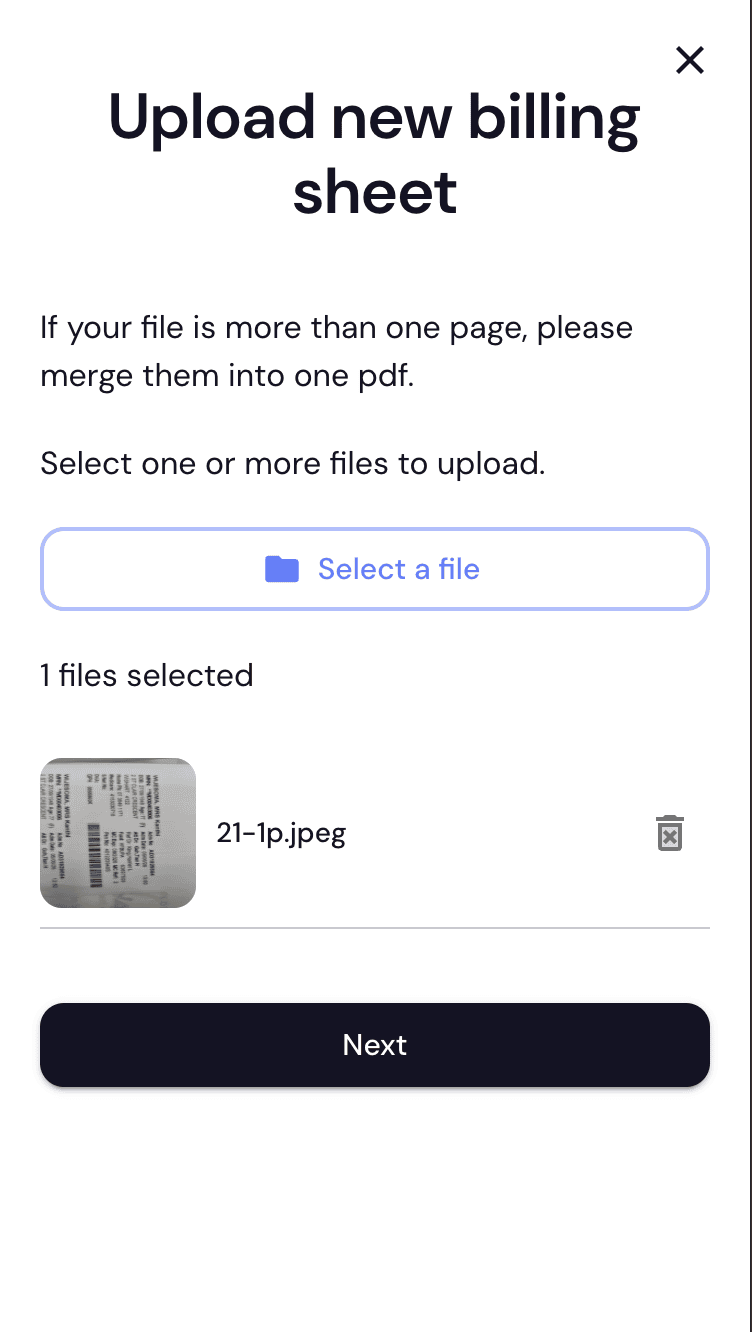
Select your file
On the Upload new billing sheet screen, tap Select a file and choose one or more files. If a file has more than one page, merge it into a single PDF first.
3
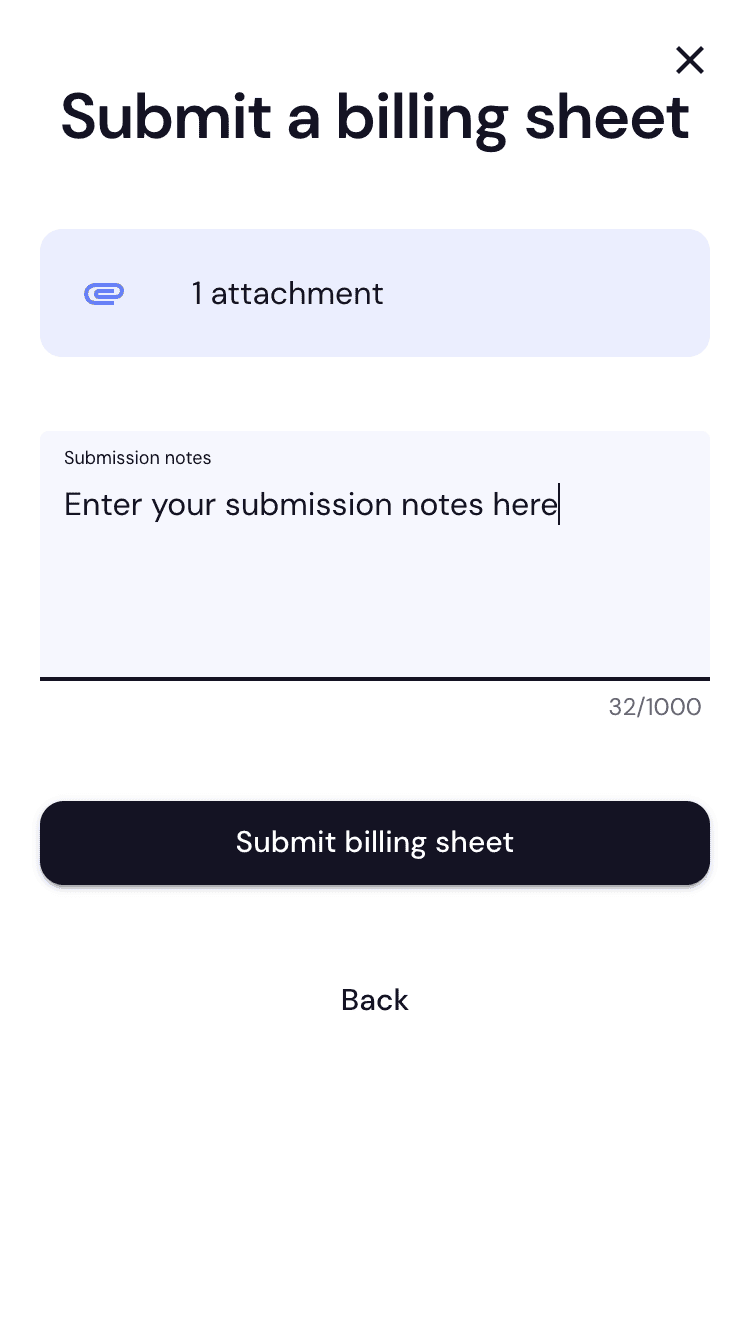
Add notes and submit
Tap Next, add any Submission notes (optional, up to 1000 characters), then tap Submit billing sheet.
4
Done
You'll see a confirmation that your billing sheet was submitted. For any queries or amendments, contact billing@medbill.com.au.